

More time for customer decisions
95% less processing time across the five delivered workflows, freeing specialist time for customer and commercial decisions.
AI workflow design
~18,000 projected banker hours freed up annually
Across the document and analysis workflows.
Across all five delivered workflows.
Designed and built independently.
Built on existing enterprise AI tooling.
Usage spend, rather than total delivery cost.
What changed
95% less processing time across the five delivered workflows, freeing specialist time for customer and commercial decisions.

The extraction, processing and calculation pattern was reused across workflows, with standard methods and traceable review.

2× increase in users rating themselves very confident with AI tooling.
Pilot self-assessment.

100% likely or very likely to use the tool.
Reported pilot intent.
Pattern 1 / Document analysis
My five use cases centred on two patterns: document analysis and a content design system for agents. The analysis pattern extracts and processes documents, classifies information and performs calculations. Its outputs are structured for people and AI to inspect, question and continue working with.


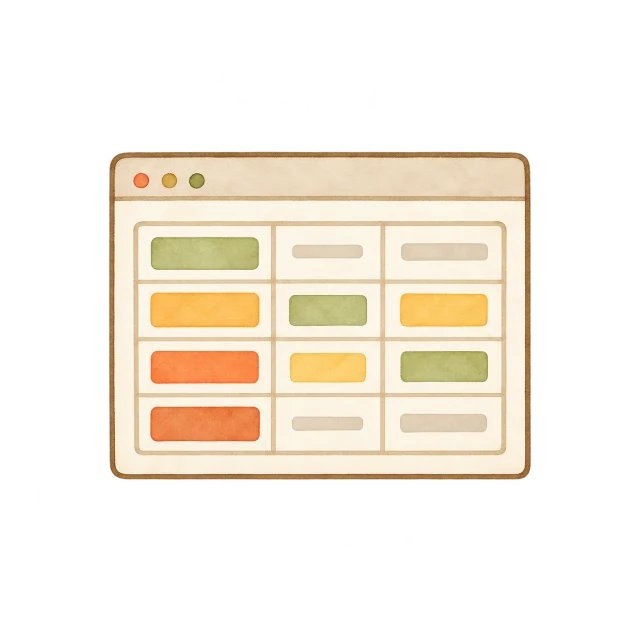
Pull information from documents and structure it for analysis.
Apply rules and code, with AI interpretation where rules do not cover the case.
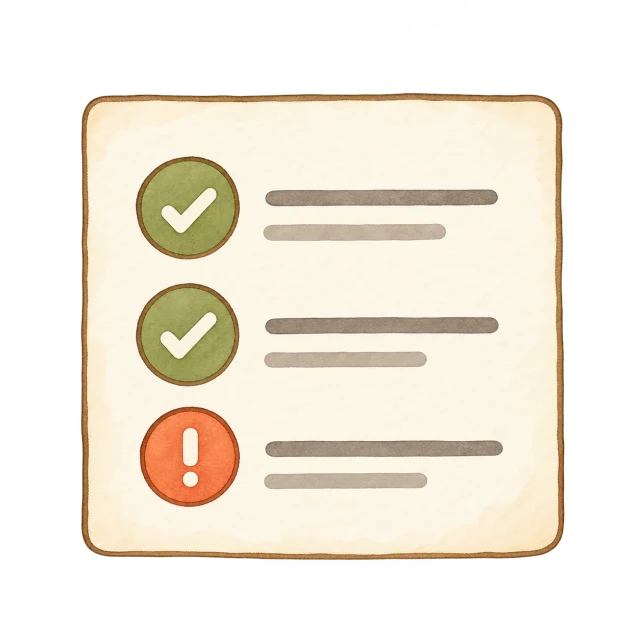
Run checks, highlight exceptions and surface items for review.
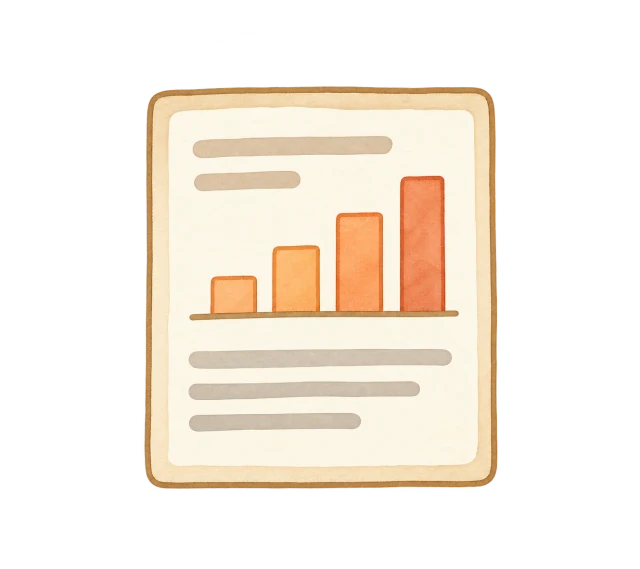
Specialists inspect, question and refine the structured output with AI, keeping the final decision.

Specialists had to extract, categorise, calculate and check information before using it in a customer conversation. The aim was to reduce that preparation while preserving a clear path for review.
I assessed what enterprise had already built, what the business was willing to afford and what we could deliver. I reused existing AI tooling, then built the engines and workflow harness needed for the task. One starting instruction could run the lead analysis through to a completed workbook, followed by human review.
Known cases used explicit rules. Numerical checks supported the extracted information. AI interpretation helped where rules did not cover the case, with review guidance showing where attention was needed.
I designed a path from summary to review priority, method and supporting detail. A specialist could challenge an output, trace how it was produced and keep refining it in Excel.
Pattern 2 / Another AI use case
I designed a content system for crafting AI-generated messages and content for an agent. People defined each scenario’s templates, structure and editing mode in advance; the AI retrieved the matching content and followed those rules.
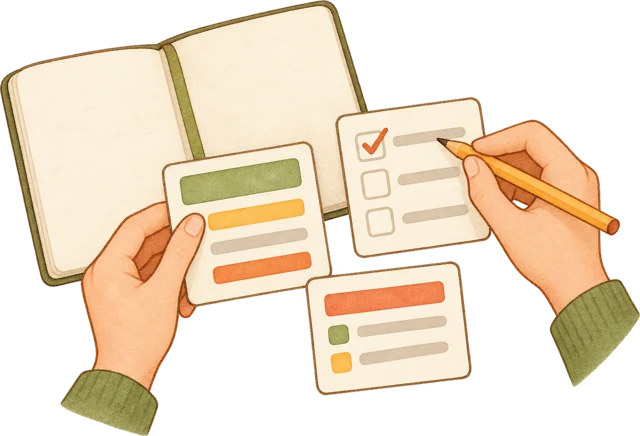 People define
Define the scenario, message structure, templates and how much AI may change.
Content systemMatch the agent’s situation to the content and editing mode people defined.
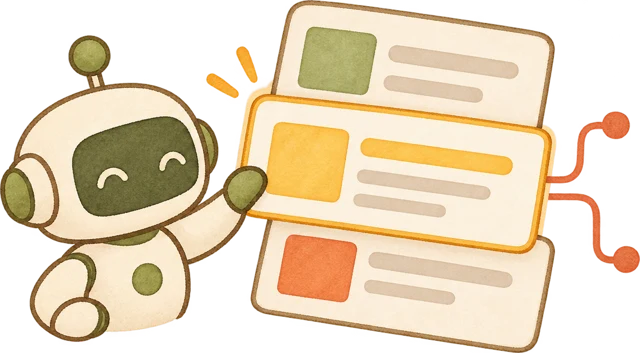 AI follows
Use wording verbatim, adapt within guidance, or draft within the required structure.
 Agent content
Give the agent content shaped for the situation, within human-defined boundaries.
Conceptual flow. Piloted with real users. Internal templates and messages are not shown.
My role
Typical rhythm per use case, with work happening in parallel across workflows.
About 1 day

I framed the problem, commercial value and where AI could help.
About 2 days

I defined the workflow, content rules and human review points.
About 1 week

I built and tested the prototype with specialists.
About 1 month

I piloted the workflow, iterated on feedback and prepared it for rollout.
After the pilot

I rolled out the workflow and reused what worked across other use cases.
Approximate timings vary by use case.
How I built with specialists
I designed and built these workflows with specialists, iterating in the flow of their work. Their feedback shaped the patterns, checks and review experience.






Discuss the work together
Work with specialists to understand their goals, constraints and how the task happens in practice.
Build the workflow, test with real cases in the working environment and refine the checks and output.
Use specialist feedback to improve the patterns and prepare them for broader use.
This public case uses high-level descriptions and original conceptual illustrations to respect confidentiality.
